การตั้งค่า
มุมมอง Settings ช่วยให้คุณจัดการการกำหนดค่าของโปรเจกต์ของคุณได้
ชื่อโปรเจ็กต์
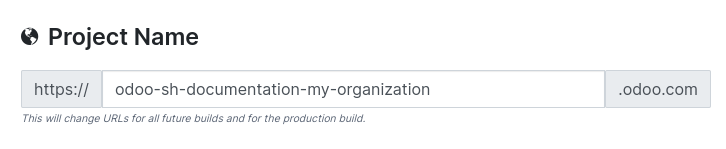
The project name defines your production database address, as well as the derived URLs for staging and development. Upon saving, the new name is applied directly to the production branch. However, for staging and development URLs, the change will only reflect after a rebuild.
ผู้ทำงานร่วมกัน
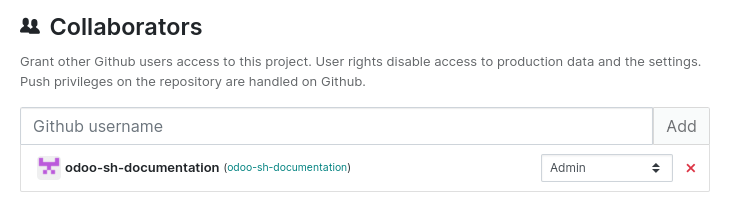
หากต้องการให้สิทธิ์การเข้าถึงแก่ผู้ใช้ GitHub ให้ป้อนชื่อผู้ใช้ของพวกเขาและคลิก Add โดยค่าเริ่มต้น ผู้ใช้จะได้รับบทบาท Developer คลิกเมนูแบบเลื่อนลงเพื่อเลือกบทบาทอื่น:
Admin: full access to all NightPOS.sh features and tools. This role is dedicated to project management and has exclusive access to the project's settings.
Tester: access to staging and development databases and their tools. This role is intended for users performing user acceptance testing (UAT). Testers can work with copies of production data, but they cannot access the production database through NightPOS.sh's tools.
Developer: ไม่มีสิทธิ์เข้าถึงฐานข้อมูลการผลิตและ staging บทบาทนี้มีไว้สำหรับผู้ใช้ที่แก้ไขโค้ดแต่ไม่ควรเข้าถึงข้อมูลการผลิต นักพัฒนาไม่สามารถเชื่อมต่อกับฐานข้อมูลการผลิตหรือ staging และไม่มีสิทธิ์เข้าถึง web shell หรือล็อกของเซิร์ฟเวอร์
การเข้าถึงฟีเจอร์ตามขั้นตอนและบทบาท
Stage |
ฟีเจอร์ |
นักพัฒนา |
ผู้ทดสอบ |
แอดมิน |
|---|---|---|---|---|
การพัฒนา |
Connect + / Connect as |
● |
● |
● |
● |
● |
● |
||
● |
● |
● |
||
● |
● |
● |
||
● |
● |
● |
||
● |
● |
● |
||
● |
● |
● |
||
● |
● |
● |
||
สถานะ |
● |
● |
● |
|
การจัดเตรียม |
Connect + / Connect as |
● |
● |
● |
● |
● |
● |
||
● |
● |
● |
||
● |
● |
● |
||
● |
● |
● |
||
● |
● |
● |
||
● |
● |
● |
||
● |
● |
● |
||
● |
● |
● |
||
สถานะ |
● |
● |
● |
|
การผลิต |
Connect + / Connect as |
● |
● |
● |
● |
● |
● |
||
● |
● |
● |
||
● |
● |
● |
||
● |
● |
● |
||
● |
● |
● |
||
● |
● |
● |
||
● |
● |
● |
||
● |
● |
● |
||
สถานะ |
● |
● |
● |
Legend
● : พร้อมใช้งาน
● : ไม่พร้อมใช้งาน
Note
เฉพาะผู้ดูแลระบบเท่านั้นที่สามารถเข้าถึงบันทึกการตรวจสอบและการตั้งค่าโปรเจกต์ได้
บทบาททั้งหมดสามารถเข้าถึง:doc:`หน้าบิลด์ <builds>`ได้ แต่ฟีเจอร์ที่พร้อมใช้งานจะเฉพาะเจาะจงสำหรับแต่ละบทบาท
การเข้าถึงสาธารณะ
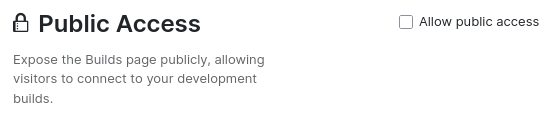
When enabling Allow public access, the builds page becomes publicly accessible, allowing visitors to connect to development builds. Visitors can also access logs, the shell, and mails for development builds. Production and staging builds remain private; visitors can only view their status.
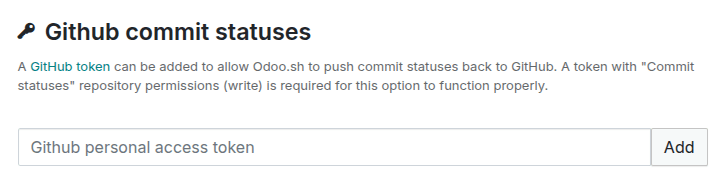
สถานะคอมมิต GitHub
You can add a GitHub token to allow NightPOS.sh to push commit statuses back to GitHub. The token must have the commit statuses (write) repository permission.
ดูเพิ่มเติม
สำหรับข้อมูลเพิ่มเติม โปรดดู เอกสารประกอบของ GitHub เกี่ยวกับการจัดการโทเค็นการเข้าถึง
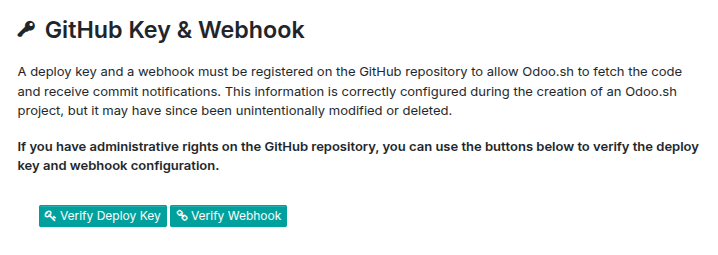
คีย์ GitHub และเว็บฮุค
A deploy key and a webhook are automatically created on your GitHub repository to allow NightPOS.sh to fetch code and receive commit notifications. As they can be unintentionally modified or deleted, you can use the Verify Deploy Key and Verify Webhook buttons below to verify their configuration.
Note
จำเป็นต้องมีสิทธิ์ผู้ดูแลระบบบนรีพอสิทอรี GitHub
โมดูลย่อย
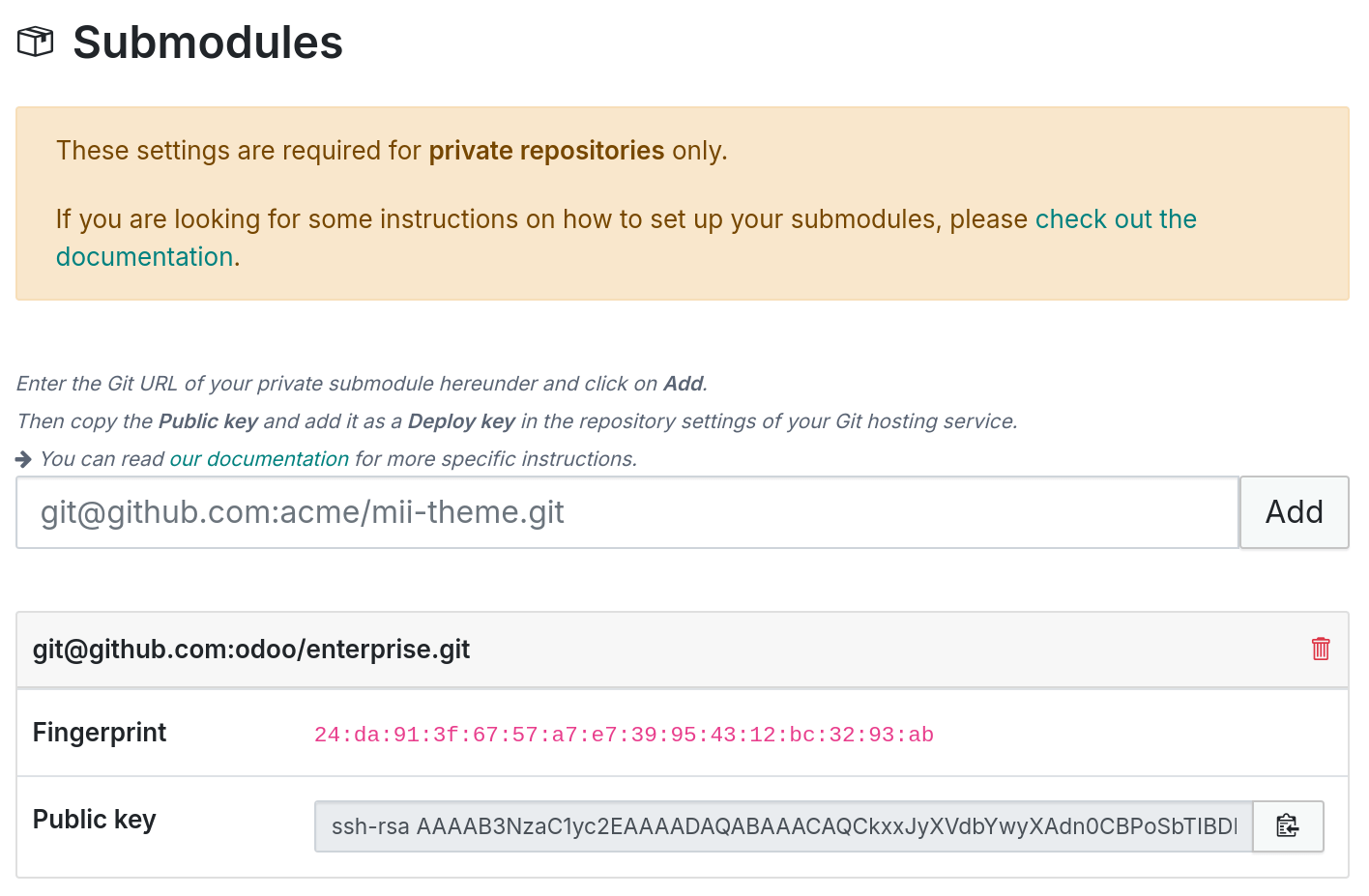
คำสั่ง git submodule ช่วยให้คุณสามารถ`รวมโปรเจกต์ Git อื่นๆ <https://git-scm.com/book/en/v2/Git-Tools-Submodules>`_เข้ากับโค้ดเบสของคุณได้โดยไม่ต้องคัดลอกโค้ดโดยตรง
Note
A Git repository containing NightPOS modules, for example from the NightPOS Apps Store or community modules, is necessary.
ที่เก็บส่วนตัว
ก่อนเพิ่ม ที่เก็บ GitHub ส่วนตัว เป็นซับโมดูล จำเป็นต้องเพิ่มคีย์การปรับใช้:
วาง SSH URL ของซับที่เก็บ (เช่น
git@github.com:USERNAME/REPOSITORY.git) และคลิก เพิ่มคัดลอก คีย์สาธารณะ ที่สร้างขึ้น
บน GitHub ของซับที่เก็บ ไปที่
คลิก ป้อน ชื่อ วางคีย์สาธารณะลงในฟิลด์ คีย์ และคลิก Add key
เพิ่มที่เก็บสาธารณะหรือที่เก็บส่วนตัวที่มีคีย์การปรับใช้เป็นซับโมดูล:
เพิ่มซับโมดูลไปยังโปรเจกต์ของคุณ
git submodule add -b BRANCH git@github.com:USERNAME/REPOSITORY.git PATH
คอมมิตและพุชการเปลี่ยนแปลง
git commit -a && git push -u origin master
Wait for NightPOS.sh to rebuild the project.
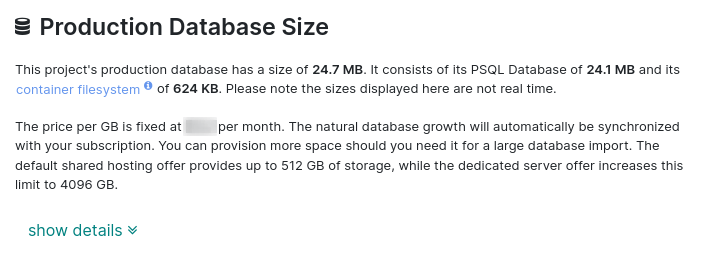
ขนาดฐานข้อมูลการใช้งานจริง
ส่วนนี้แสดงพื้นที่เก็บข้อมูลทั้งหมดที่ใช้โดยโปรเจกต์ ซึ่งรวมถึงขนาดฐานข้อมูล PostgreSQL และไฟล์ดิสก์ในคอนเทนเนอร์ของคุณ (ที่เก็บไฟล์ฐานข้อมูล ที่เก็บเซสชัน ฯลฯ) หากฐานข้อมูลการใช้งานจริงเกินพื้นที่เก็บข้อมูลที่รวมอยู่ในการสมัครสมาชิกของคุณ แผนจะได้รับการปรับอัตโนมัติ
เวิร์กเกอร์ฐานข้อมูล
สามารถกำหนดค่าเวิร์กเกอร์ฐานข้อมูลเพิ่มเติมเพื่อให้ฐานข้อมูลการใช้งานจริงของคุณสามารถจัดการภาระพร้อมกันที่สูงขึ้นได้
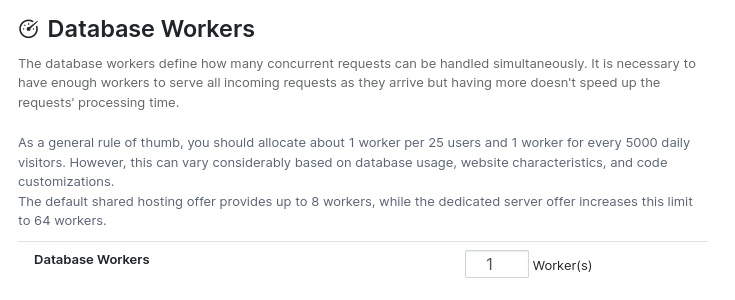
เพื่อเพิ่มเวิร์กเกอร์เพิ่มเติม ติดต่อผู้จัดการบัญชีของคุณ หลังจากชำระเงินแล้ว เวิร์กเกอร์ใหม่จะถูกเพิ่มไปยังโปรเจกต์ของคุณ
Note
Adding more workers does not automatically fix performance issues. It only increases the number of concurrent connections the server can handle. If some operations remain slow, the issue is likely code-related. If it is not due to your customizations, contact NightPOS Support.
สาขา Staging
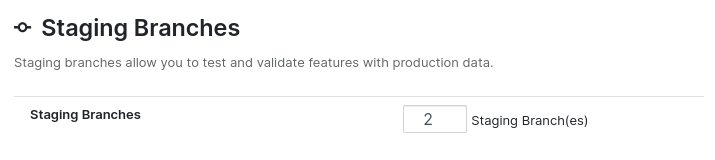
Additional staging branches allow you to develop and test multiple features simultaneously. To add more staging branches, request a product increase directly from your NightPOS.sh project. A widget will guide you to the subscription portal to complete the purchase. After payment, synchronization with NightPOS.sh will occur automatically, and the number of available staging branches will be updated.
การเปิดใช้งาน
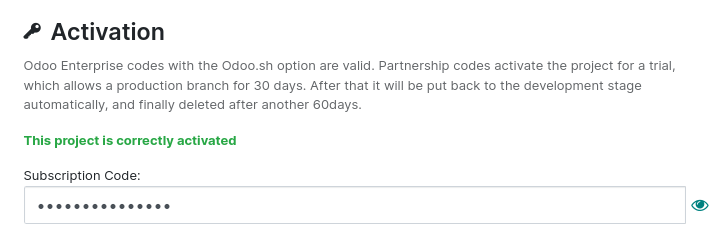
ส่วนนี้แสดงสถานะการเปิดใช้งานของโปรเจกต์ คุณสามารถเปลี่ยนรหัสการเปิดใช้งานได้หากจำเป็น โดยรหัสใหม่ต้องไม่ได้ถูกกำหนดให้กับโปรเจกต์อื่นแล้ว
Warning
คุณไม่สามารถเปลี่ยนรหัสการเปิดใช้งานเป็น:
รหัสที่ใช้แล้วในโปรเจกต์อื่น
รหัสทดลองใช้ (ไม่อนุญาตให้ดาวน์เกรดจากแบบชำระเงินเป็นแบบทดลอง)
An invalid code (not linked to an NightPOS.sh custom plan)
For any other issue, contact NightPOS Support.